
- Published on
- 12 min read
Updated
Mermaid Timeline Examples: Copy-Paste Templates, Syntax & Fixes
- Authors

- Name
- Dylan Boudro
- https://x.com/StarmorphAI
A Mermaid timeline starts with timeline, followed by entries in the form period : event. The period is a label: a date, a release number, a quarter, or even “Before launch.” Put entries in the order you want them displayed.
Here is a complete example to copy:
timeline
    title Launch checkpoints
    Week 1 : Agree on scope
    Week 2 : Review prototype
    Week 3 : Launch pilot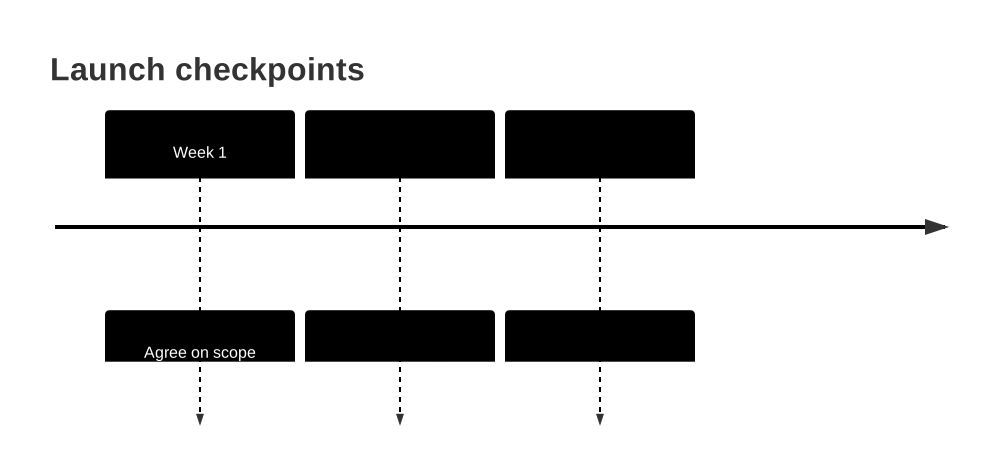
Paste the source into Mermaid Editor's timeline page, then replace the labels with your own. Copy the contents of the code block into the editor, without the surrounding Markdown backticks.
The examples below are fictional templates, not reports of actual releases or incidents. They use the horizontal syntax supported by Mermaid 11.12.2, the Mermaid Editor dependency checked for this guide. Rendering support can differ between an editor, a documentation platform and a Markdown preview.
Pick a Timeline Example
| What you need | Example | What it teaches |
|---|---|---|
| A roadmap for a planning review | Product roadmap | Group periods into sections |
| A compact visual changelog | Release history | Put several events under one label |
| A launch checklist with named phases | Project milestones | Use labels that are not dates |
| A postmortem chronology | Incident timeline | Keep source order and avoid ambiguous colons |
| A company story for a slide | Company history | Keep longer labels readable |
For other diagram types, start with the broader Mermaid.js syntax tutorial. This guide focuses on timeline code and the mistakes that make it render differently from what you intended.
Timeline Syntax at a Glance
| Line | Purpose |
|---|---|
timeline | Select the diagram type |
title Launch checkpoints | Add a diagram title |
section Discovery | Group the following periods |
Week 1 : Agree on scope | Create a period and its first event |
: Assign an owner | Add an event to the preceding period |
Indentation makes the source easier to scan, but the keywords and colons carry the structure. A section applies until the next section heading. Keep headings short enough to distinguish at a glance. These rules follow the official timeline syntax reference.
1. Product Roadmap with Sections
Use this when a team needs to communicate a few planned outcomes. The section headings separate discovery from delivery without turning the diagram into a task schedule.
timeline
    title Customer portal roadmap
    section Discovery
        Q1 2027 : Interview customers
        Q2 2027 : Validate the prototype
    section Delivery
        Q3 2027 : Launch private beta
        Q4 2027 : Release self-service signup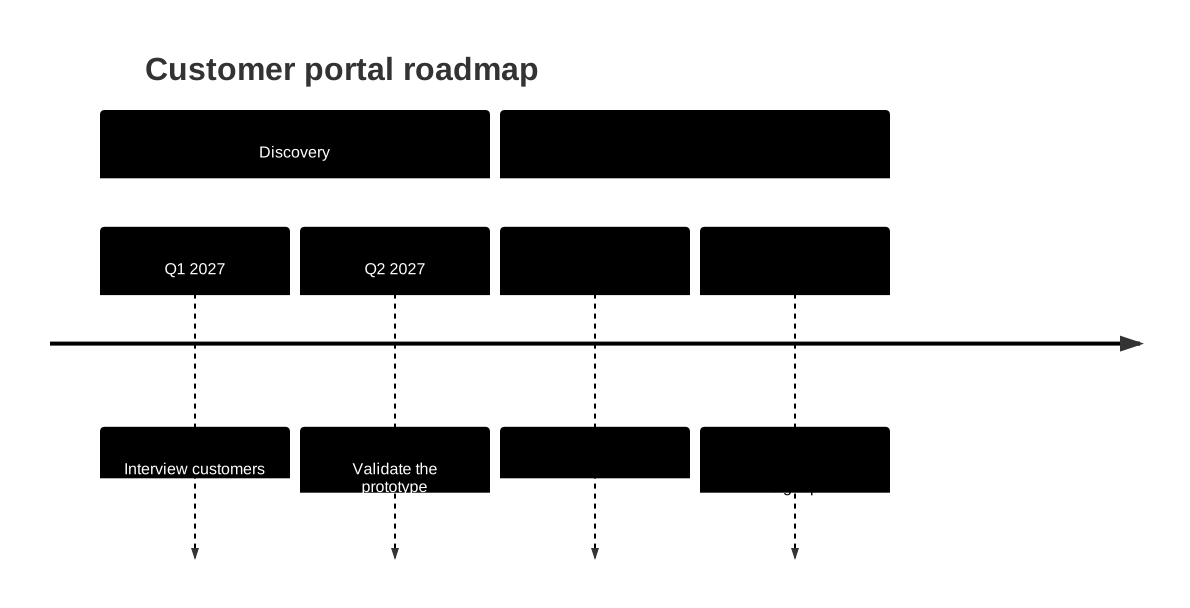
Change first: replace the quarter labels and outcomes. Keep one main result per quarter if the diagram is going into a slide. Add a second event only when it changes the reader's understanding of that period.
What this does not mean: the diagram does not calculate how long discovery takes or whether a beta blocks signup. If your review needs those relationships, use the Gantt comparison below.
You can also browse the Mermaid Editor template gallery for a starting layout. This link opens the gallery; it does not preload this article's code.
2. Release History with Multiple Events
Release labels are useful when dates distract from what shipped. This example uses both supported forms for adding several events under one period.
timeline
    title CLI release history
    v1.0 : Initial release : JSON output
    v1.1 : Configuration files
         : Shell completions
    v1.2 : Retry failed requests
         : Improve error messages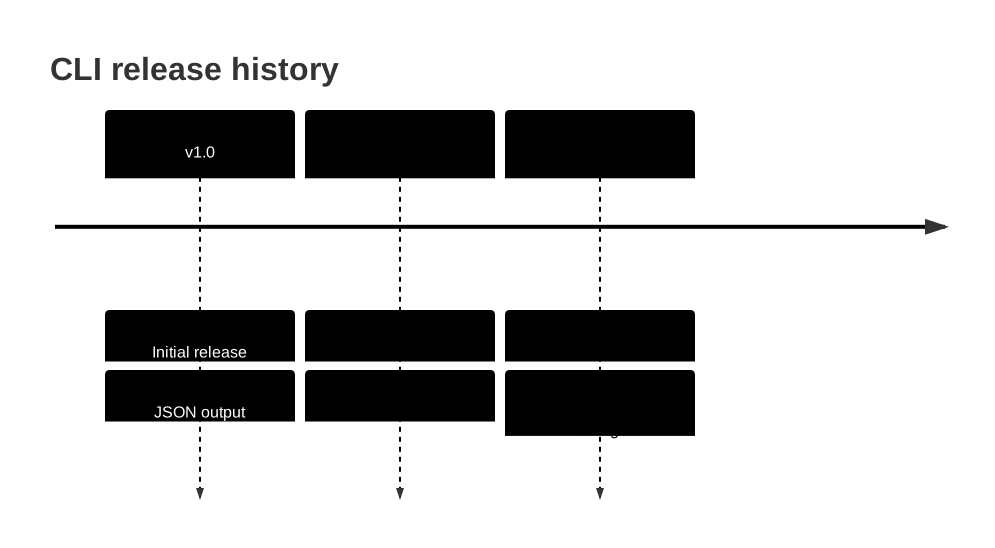
Under v1.0, the second colon adds “JSON output.” Under v1.1, the next line begins with : to add “Shell completions.” Both approaches attach events to the existing period.
Change first: replace version labels with your own release tags. The parser does not compare semantic versions. If you place v1.10 before v1.2, that is the order readers will see.
Avoid repeating a version label on a new period line merely to add another bullet. Use a continuation event so the visual grouping stays clear.
3. Project Milestones with Text Labels
A timeline can be useful before you have dates. Named checkpoints let you describe a launch sequence without suggesting the schedule is settled.
timeline
    title Documentation launch milestones
    Kickoff : Choose the audience
    Draft ready : Review the examples
    Approval : Confirm technical accuracy
    Launch : Publish the guide
    Follow-up : Review reader questions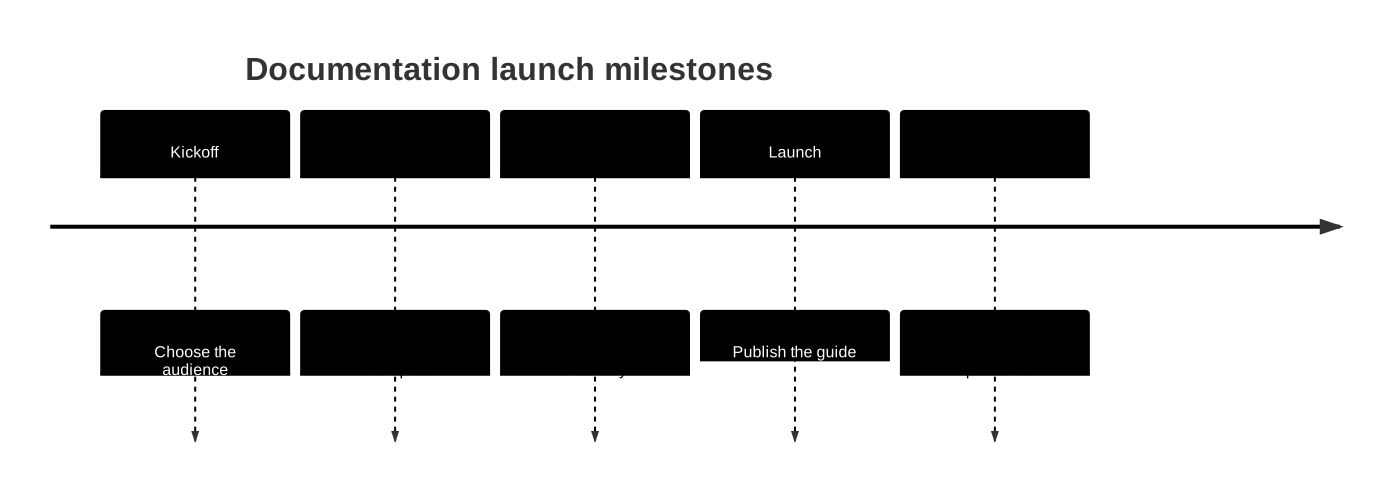
Change first: replace checkpoints with the decisions or deliverables your team recognizes. A useful milestone label answers “What has changed?” rather than listing every activity someone performed.
“Milestone” here describes the content of an ordinary timeline event. Do not insert Gantt's milestone task syntax into this block. Timeline does not need it.
4. Incident Chronology with Time Labels
For an incident review, write the timezone in the title and order the events yourself. The labels below use 09h05 rather than 09:05 because colons delimit timeline events.
timeline
    title Checkout incident - UTC
    09h05 : Error alert fires
    09h12 : On-call engineer confirms impact
    09h20 : Rollback begins
    09h28 : Error rate returns to baseline
    10h00 : Monitoring confirms recovery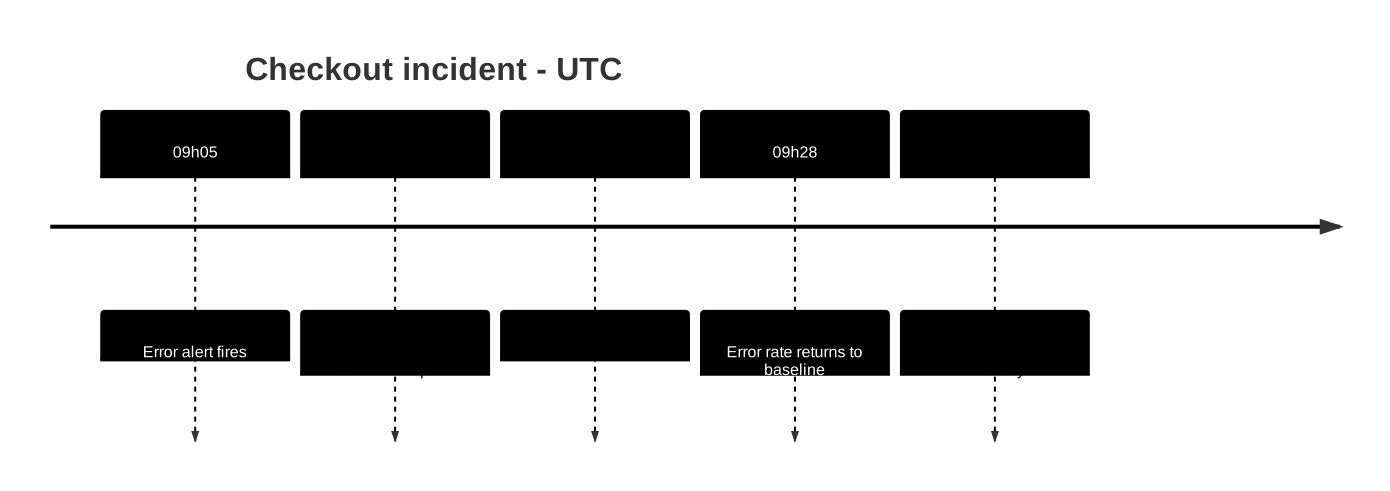
Change first: replace the fictional observations with evidence from your incident log. Distinguish “alert fired” from “impact began” if those are different times. If the incident crosses midnight, include the date in each label as well.
A literal colon inside a clock label can cause a parser error: the 09:05 : Alert probe failed in Mermaid 11.12.2. Use a label such as 09h05 UTC or T+05m for the portable examples here. Do not assume surrounding a label in quotation marks gives it the escaping behavior of a flowchart node.
The diagram is a sequence, not an elapsed-time chart. The eight minutes from 09h12 to 09h20 and the 32 minutes from 09h28 to 10h00 should not be compared by the spacing of the boxes.
5. Company History with Readable Labels
A history slide usually needs fewer words than the underlying document. This example groups the story into two eras and uses a deliberate line break in one event.
timeline
    title Example company history
    section Foundation
        2022 : Team forms
        2023 : First customer<br>pilot launches
    section Growth
        2025 : Open partner program
        2027 : Expand support team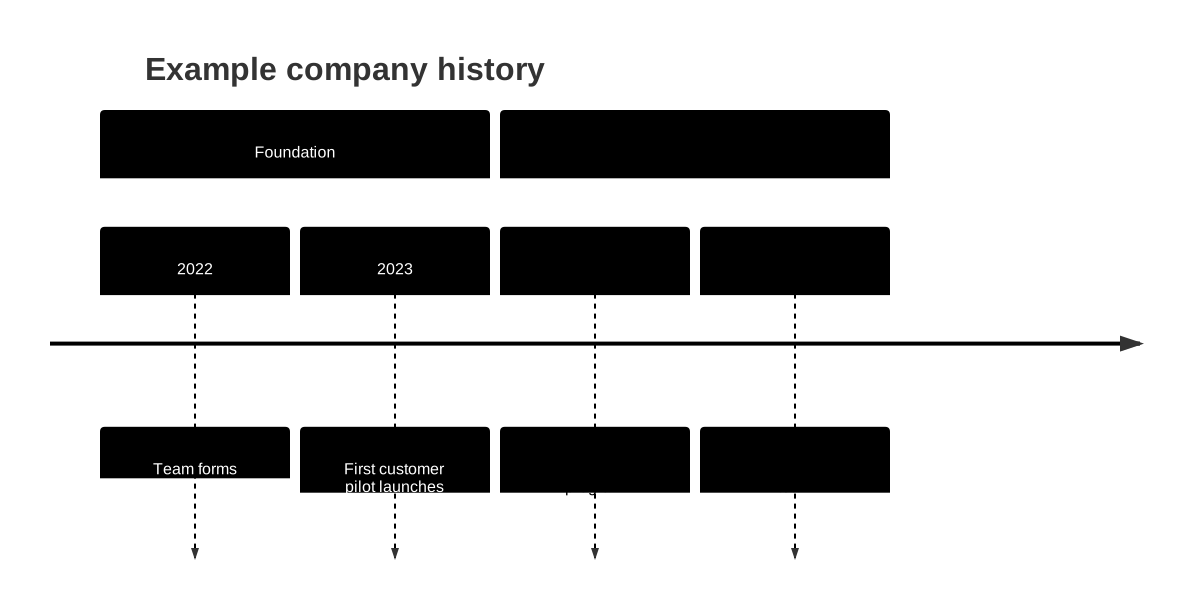
Change first: replace the fictional years and events. Keep supporting detail in the article or speaker notes rather than forcing a paragraph into one event box.
Mermaid wraps long timeline labels; <br> can request a line break. If the destination's renderer handles the break differently, shortening the label is the simplest fallback. See the official wrapping guidance.
Notice that the source skips 2024 and 2026. Those gaps do not produce proportional empty space. This is suitable for a selective company story, but not for measuring time between events.
Ordering: Dates Are Labels, Not a Sorting Rule
Read the code from top to bottom before trusting the picture. In the examples here, periods run left to right in source order; events for a period stack in the order you wrote them.
If 2028 : Expansion appears before 2026 : Launch, expansion appears first. Changing a label does not move its entry to the correct chronological position. Move the whole period line and any continuation events together.
For a roadmap, quarters may be easier to scan than exact dates. For an incident, precise time labels may matter. Pick one level of detail and use it consistently within the diagram.
Fix Common Mermaid Timeline Problems
| Symptom | Check | Fix |
|---|---|---|
| The first line produces a parser error | Did you paste Markdown backticks into the editor? | Paste from timeline through the final event only |
| A clock label produces a parser error | Does the label contain a literal colon? | Use 09h05 UTC or another unambiguous label |
| A second event becomes a separate period | Did you repeat the period instead of continuing it? | Start the continuation with : |
| A date appears out of order | Is the source itself out of order? | Move the entry; do not expect automatic sorting |
| Every later entry belongs to one group | Where is the next section line? | Add a new named section at the intended boundary |
| A label is hard to read | Is it carrying paragraph-length detail? | Shorten it, split the diagram, or use a tested <br> break |
| Gantt options fail in a timeline | Are you using dateFormat, after, or task durations? | Switch the diagram to Gantt and rewrite its entries |
| Vertical direction fails | Does the renderer support Mermaid 11.14.0 or later? | Use plain timeline on older versions |
Start debugging with the three-entry example at the top. Add your section headings, then your events, a few lines at a time. This makes the line that changes the result much easier to find.
Can You Use timeline TD?
The current Mermaid docs introduce timeline TD in 11.14.0+. The checked editor dependency is 11.12.2, so do not paste that newer direction syntax into the examples above. In the 11.12.2 renderer check, timeline TD parsed but created an extra period labeled “TD”; it did not produce a vertical timeline. Check your destination's installed version rather than assuming it matches the latest documentation. Official direction support.
For a wide diagram on an older renderer, reduce the number of periods or split the story into two diagrams. Do not add flowchart's direction TB statement and expect timeline to interpret it the same way.
Timeline vs Gantt: Choose by the Question
| Question | Better starting point |
|---|---|
| What happened, and in what order? | Timeline |
| What are our major release checkpoints? | Timeline |
| How many days does each task take? | Gantt |
| Which task starts after another task finishes? | Gantt |
| Which work overlaps on a dated schedule? | Gantt |
Here is a small Gantt example for the scheduling case:
gantt
    title Pilot launch schedule
    dateFormat YYYY-MM-DD
    axisFormat %b %d
    tickInterval 1day
    section Delivery
    Build prototype :build, 2027-01-04, 5d
    Review prototype :review, after build, 2d
    Pilot ready :milestone, after review, 0d
This version expresses duration and a dependency with after build. The timeline examples express a narrative sequence. Choose the representation that answers the reader's question. Refer to the official Gantt syntax for task scheduling rules.
Edit and Export Your Example
- Open the timeline editor.
- Paste one complete example, beginning with
timeline. - Change the title, periods and events. Check the preview after each small edit.
- Read the result at the size where it will be used. Shorten cramped labels before exporting.
- Follow the timeline export guide to choose an available format. Keep the source code alongside the exported image so future edits stay straightforward.
An image is useful when the destination cannot render Mermaid. SVG suits scalable diagrams; PNG suits applications expecting a raster image. Check the export dialog for the current options and access requirements rather than assuming every format or resolution is included in every plan.
Frequently Asked Questions
What is the syntax for a Mermaid timeline?
Start with timeline, then write each entry as period : event. Add an optional title line and section headings. A period can be a date, version, quarter or other text label.
How do I put multiple events under one period?
Add another colon and event on the same line, or start the next line with a colon. The extra event belongs to the preceding period; you do not need to repeat its label.
Does Mermaid sort timeline dates automatically?
No. Timeline periods are text labels displayed in source order. Put them in the sequence you want readers to see; the diagram does not calculate elapsed time or scale gaps between dates.
Can I make a vertical Mermaid timeline?
Mermaid documents timeline TD starting in version 11.14.0. These examples were tested with Mermaid 11.12.2 and use plain timeline. Verify your renderer version before adding a direction keyword.
When should I use Gantt instead of timeline?
Use timeline to explain a sequence of events. Use Gantt when the chart must express task start dates, durations or dependencies. A timeline section groups entries; it does not create a scheduled workstream.
Sources
Mermaid: Timeline syntax, sections, labels and versioned direction supportMermaid: Gantt dates, durations, dependencies and milestonesMermaid Editor: Timeline editorMermaid Editor: Timeline export guideYou might also like
Mermaid.js Tutorial: Flowcharts, Sequence Diagrams & Syntax Guide (2026)
March 21, 2026 · 28 min read
Jev and AI Decision Models: A Practical Getting Started Guide
October 11, 2026 · 19 min read
Apple Silicon LLM Inference Optimization: The Complete Guide to Maximum Performance
April 10, 2026 · 27 min read
Level up your developer workflow
CLI tools, local LLMs, AI coding workflows, and dev setup guides. One actionable email per week.